15 Best Games to Play When Bored on Google — Play Free Right Now (2026)
You have five minutes to kill and nothing to do. Google is already open.
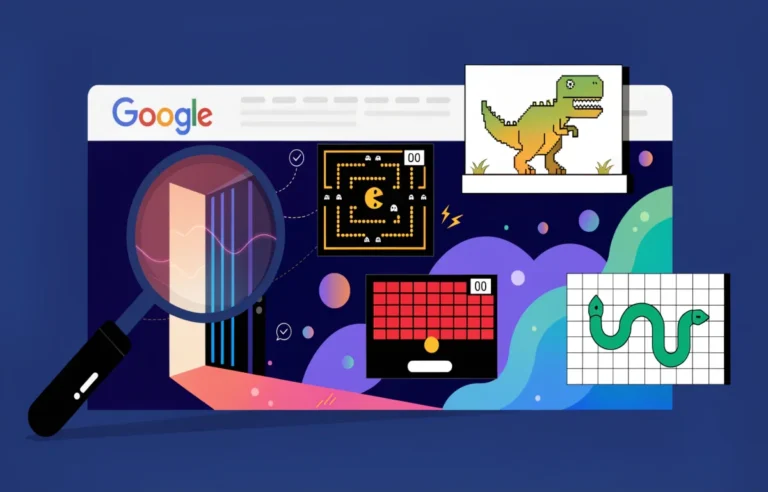
What most people do not realize is that Google has over a dozen free games built directly into its search engine — no app, no download, no account. You search, you click, you play. Some are hidden Easter eggs. Others appear as direct game cards at the top of search results.
This guide covers every game you can play on Google right now, how to find each one, and which ones are actually worth your time. Whether you want a quick 2-minute distraction or something to sink into for a full session, this list has both.
What Are Google Games?
Google games are free, browser-based games that Google has built directly into its products — primarily Google Search. Some appear as interactive game cards when you search specific terms. Others are hidden Easter eggs triggered by specific queries. A few live inside other Google products like Chrome.
Every game on this list is completely free. None require downloads, accounts, or payment. You play directly in your browser on any device — desktop, tablet, or mobile.
Google has added games to its search engine since at least 2010, when the Pac-Man Doodle launched. The collection has grown significantly since then. In January 2025, Google added Block Breaker as its newest permanent search game, joining a roster that now covers arcade classics, card games, puzzle games, and word games.
Google Games When You Search Something — How It Works
Most Google games activate one of two ways.
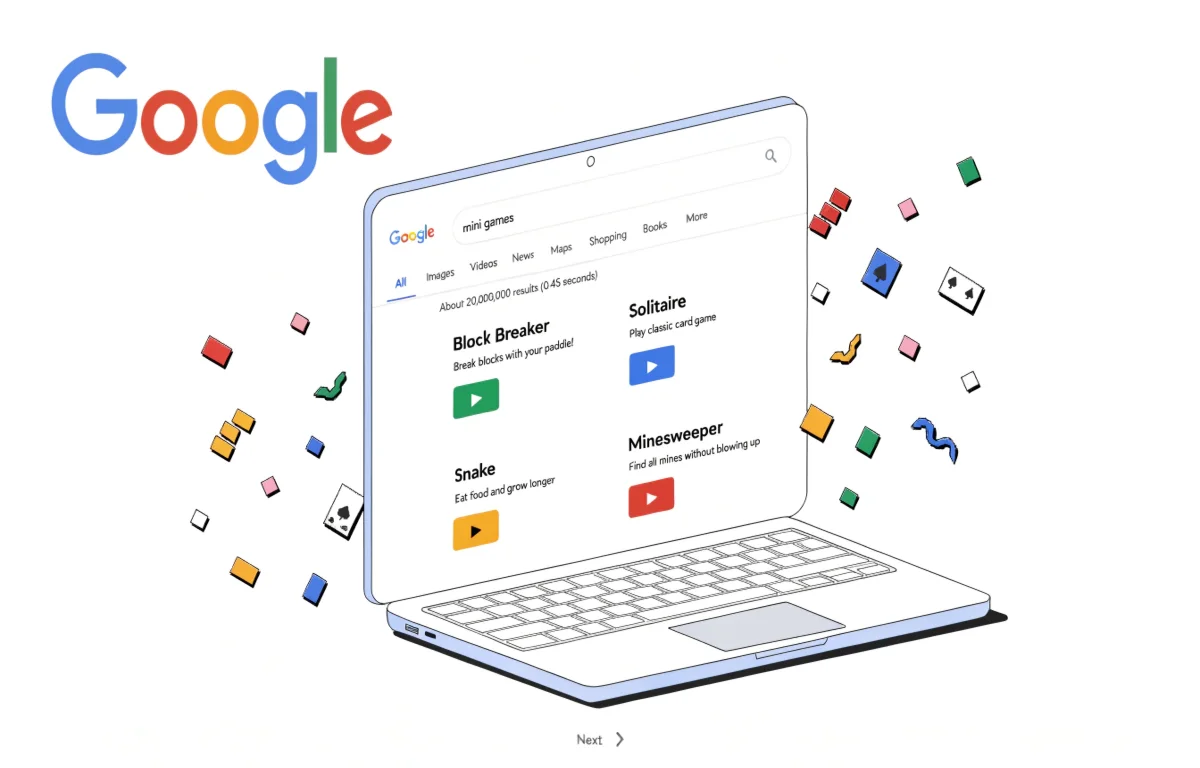
The first way is direct search. Type the game name into Google Search and a playable game card appears at the top of the results. Click or tap Play and the game launches instantly in your browser. This works for Block Breaker, Solitaire, Minesweeper, Snake, Tic-Tac-Toe, and several others.
The second way is Easter egg triggers. Certain search queries activate hidden games or animations. These are surprises Google built in for users who know where to look — or stumble upon them accidentally.
Both types are completely free and instant. No steps beyond the search itself.
All Google Games You Can Play Right Now
Here is every game currently accessible through Google Search and Google’s products, with exactly how to find each one.
1. Google Block Breaker
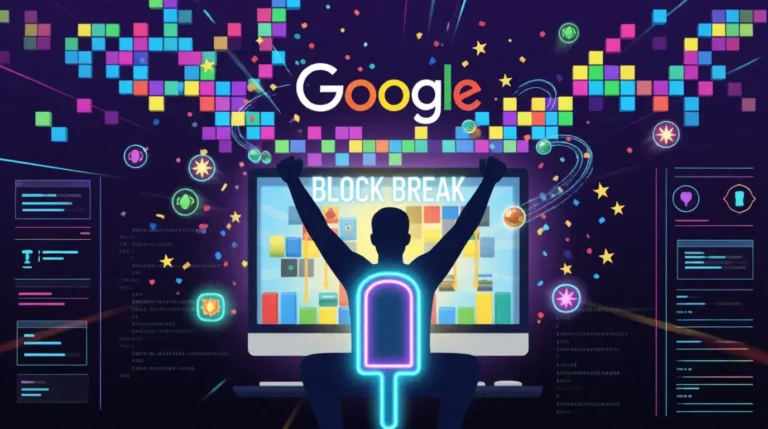
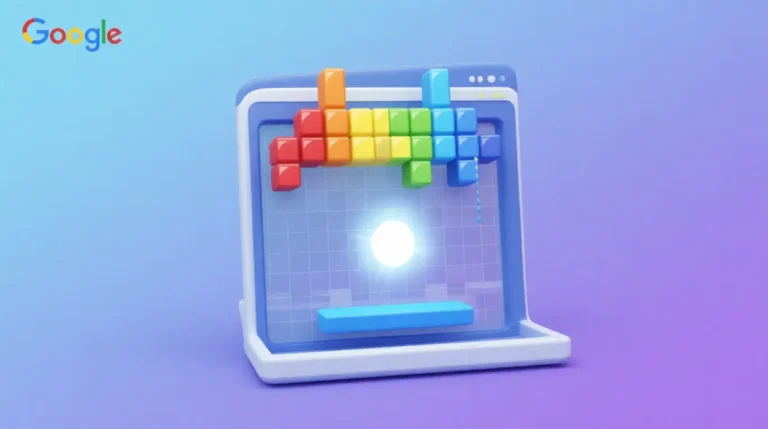
Google Block Breaker is the newest and most feature-rich game in Google’s built-in collection. It launched in January 2025 as a permanent search game and remains the most complete arcade experience Google offers directly through search.
You control a paddle at the bottom of the screen. A ball bounces upward and destroys colored blocks. Different block colors give different points — blue blocks give 10 points, gold blocks give 200. A combo multiplier builds up to 5x with consecutive hits. The game includes power-ups, progressive difficulty, and a three-life system.
How to play: Search “Google Block Breaker” or visit googleblockbreaker.net directly — the game loads instantly on the homepage.
Best for: Players who want the deepest gameplay experience Google Search offers. Sessions run 5 to 15 minutes. The combo system and power-ups give it genuine replayability that most other Google games lack.
2. Google Solitaire
Google Solitaire is the classic Klondike card game built directly into Google Search. It is one of the most-played Google games — familiar to anyone who has ever used a Windows computer.
The game offers two difficulty modes: easy (draw one card at a time) and hard (draw three). Visual design is clean and the controls are smooth. You can complete a game in 3 to 10 minutes depending on the deal.
How to play: Search “solitaire” or “Google Solitaire” in Google Search. The game card appears at the top.
Best for: Relaxed, low-pressure play. No reflexes required. Perfect for genuine boredom when you want something calm.
3. Google Minesweeper
Google Minesweeper is the classic logic puzzle where you clear a grid without hitting hidden mines. Google’s version offers three difficulty levels — easy (8×8 grid), medium (16×16), and hard (24×24) — plus a custom mode where you set your own parameters.
How to play: Search “minesweeper” or “Google Minesweeper” in Google Search.
Best for: Logic puzzle fans. A hard Minesweeper board can take 20 to 30 minutes to complete. Easy boards finish in under 2 minutes. Scales well to however much time you have.
4. Google Snake
Google Snake is the classic mobile game — move the snake to eat food, grow longer, avoid hitting walls or yourself. Google’s version includes multiple modes: classic, dark, color, and more. You can also choose different map shapes and speeds.
How to play: Search “snake game” or “Google Snake” in Google Search.
Best for: Quick sessions. The game gets genuinely difficult as the snake grows longer. Multiple modes add variety.
5. Google Pac-Man
The Google Pac-Man Doodle from 2010 remains playable in the Google Doodle archive. It is a faithful recreation of the original arcade game — guide Pac-Man through the maze, eat pellets, avoid ghosts. The Google version uses the Google logo as the maze layout.
How to play: Search “Pac-Man” in Google Search or visit google.com/doodles and search for Pac-Man in the archive.
Best for: Nostalgia and genuine arcade challenge. The ghost AI is faithful to the original, which means getting good at this game takes real practice.
6. Google Tic-Tac-Toe
Google Tic-Tac-Toe lets you play against the computer or against another person on the same device. You can choose difficulty level — easy, medium, or impossible. At impossible difficulty, the computer plays a perfect game and can never be beaten — only drawn.
How to play: Search “tic tac toe” in Google Search.
Best for: Two-player quick games or testing yourself against the AI. Single games last under 2 minutes.
7. Google Dinosaur Game (T-Rex Run)
The Chrome Dinosaur game activates when your internet connection drops — the T-Rex on the “no connection” page becomes playable. You tap or press space to jump over cacti. Speed increases as you survive longer. The game has no ending.
How to play: Go offline or type chrome://dino in the Chrome address bar.
Best for: Killing time with no internet connection. Simple reflex-based gameplay with a high score to chase.
8. Google Word Coach
Google Word Coach is a vocabulary-building quiz game that appears in Google Search results when you search for word definitions. It presents multiple-choice questions about word meanings, synonyms, and antonyms. Questions are based on the word you searched and related vocabulary.
How to play: Search any word definition in Google — “define serendipity” for example. The Word Coach game card appears below the definition.
Best for: Vocabulary building while actually learning something. Good for students or anyone who wants their boredom time to be productive.
9. Google Spinner
Google Spinner is a customizable spinning wheel and number picker. You can set the number of segments, spin for a random result, and use it as a decision-making tool or simple game.
How to play: Search “spinner” or “Google Spinner” in Google Search.
Best for: Group decisions, random selections, or simple quick games with friends. Not a solo game per se but useful for quick random choices.
10. Google Roll a Die
Google’s built-in dice roller lets you roll any number of dice with any number of sides. Standard six-sided dice, 20-sided dice for tabletop games, custom configurations — all available instantly.
How to play: Search “roll a die” or “roll dice” in Google Search.
Best for: Tabletop gaming without physical dice, or random number generation for games.
11. Google Coin Flip
A simple heads-or-tails coin flip built into Google Search. Instant random result with a satisfying flip animation.
How to play: Search “flip a coin” in Google Search.
Best for: Quick decisions and settling arguments.
12. Quick, Draw!
Quick Draw is Google’s AI drawing game. You have 20 seconds to draw a random object while Google’s neural network tries to guess what you are drawing in real time. The AI recognizes over 300 categories of drawings.
How to play: Visit quickdraw.withgoogle.com.
Best for: Creative, social play. Genuinely fun alone and hilarious with friends watching. The AI’s guesses during drawing make it entertaining.
13. Google Doodle Archive Games
Google’s Doodle archive at google.com/doodles contains dozens of playable games from past Doodles — including Pac-Man, the 2016 Halloween game, Cricket, Coding for Carrots, Champion Island Games, and many others. All are permanently accessible and free.
How to play: Visit google.com/doodles and filter by “interactive.”
Best for: Extended exploration and nostalgia. Champion Island Games alone is a full RPG-style game that takes over an hour to complete.
14. Google Feud
Google Feud is based on Google autocomplete suggestions. You see a partial Google search and must guess what the most common autocomplete completions are — similar to Family Feud but based on real Google search data.
How to play: Visit googlefeud.com.
Best for: Social play and testing your knowledge of what people actually search for. Surprising and often funny results.
15. Google Earth Flight Simulator
Google Earth includes a built-in flight simulator that lets you fly a virtual plane or glider over any location on Earth using Google’s satellite imagery.
How to play: Open Google Earth in Chrome, press Ctrl+Alt+A (Windows) or Cmd+Option+A (Mac) to activate the flight simulator.
Best for: Geography enthusiasts and anyone who wants a genuinely immersive experience. Not a quick game — this takes time to learn and explore.
Google Games When Bored — Stats
The scale of Google’s built-in gaming library is larger than most users realize.
Google has created over 5,000 Doodles since 1998, with approximately 200 of those being interactive or playable. The Pac-Man Doodle alone generated an estimated 4.8 million hours of gameplay on its first day in 2010, according to Rescuetime productivity data from that period.
Google Block Breaker, launched January 2025, already has a documented competitive community on Speedrun.com with 161 players and 426 verified runs. The highest community-verified score is 144,500 points.
Quick Draw has collected over 1 billion drawings since its launch in 2016, making it one of the most-used AI interaction tools Google has ever released.
All of these games share one feature: zero barriers to entry. No account, no download, no cost. This frictionless access is why Google’s built-in games consistently outperform dedicated gaming sites for casual players who want instant entertainment.
Best Google Games to Play When Bored — Ranked by Use Case
| Game | Best For | Session Length | Skill Required |
|---|---|---|---|
| Google Block Breaker | Arcade action, high scores | 5-15 min | Medium-High |
| Google Solitaire | Relaxed solo play | 3-10 min | Low |
| Google Minesweeper | Logic puzzles | 2-30 min | Medium |
| Google Snake | Quick reflexes | 2-10 min | Low-Medium |
| Quick Draw | Creative, social | 5-10 min | None |
| Google Pac-Man | Nostalgia, arcade | 5-20 min | Medium |
| Google Tic-Tac-Toe | Two-player quick game | 1-2 min | None |
| T-Rex Run | No internet, reflexes | 2-10 min | Low |
| Doodle Archive Games | Extended exploration | 10-60+ min | Varies |
| Word Coach | Vocabulary building | 3-5 min | None |
Fun Google Games to Play When Bored — Tips
If you have under 2 minutes: Tic-Tac-Toe, coin flip, or a single Word Coach round.
If you have 5 to 10 minutes: Google Block Breaker, Solitaire, or Snake. These give you a complete satisfying session without requiring extended time.
If you have 30+ minutes: Google Minesweeper on hard mode, Doodle Archive exploration, or Google Earth Flight Simulator.
If you are with other people: Quick Draw is the clear winner — it is social, funny, and requires no explanation. Google Feud works well as a group game too.
If you want to improve at something: Google Block Breaker has the deepest skill ceiling of any Google Search game. The combo multiplier system and power-up strategy give you something to genuinely work toward over multiple sessions. Full strategy guide at how to play Google Block Breaker.
Frequently Asked Questions
What games can you play on Google? Google has over 15 built-in games accessible through Google Search and other Google products. These include Block Breaker, Solitaire, Minesweeper, Snake, Pac-Man, Tic-Tac-Toe, the T-Rex dinosaur game, Word Coach, Quick Draw, and dozens of archived Doodle games. All are completely free with no downloads required.
What are all the Google games you can play when bored? The main Google Search games are Block Breaker, Solitaire, Minesweeper, Snake, Tic-Tac-Toe, and Word Coach — all accessible by searching the game name directly. Additional games include the T-Rex game in Chrome, Quick Draw at quickdraw.withgoogle.com, and the Google Doodle archive at google.com/doodles which contains over 200 playable Doodles.
What are some Google games you can play in your browser? Every game on this list runs directly in your browser — Block Breaker, Solitaire, Minesweeper, Snake, Pac-Man, Tic-Tac-Toe, Quick Draw, and the full Doodle archive. None require app downloads, plugins, or accounts.
What are the best Google games to play when bored? Google Block Breaker offers the deepest experience — power-ups, combo multipliers, and progressive difficulty give it lasting replayability. For something quick and relaxed, Solitaire is the best option. For social play, Quick Draw is the most fun with others.
What Google games appear when you search something? Searching specific terms triggers game cards at the top of Google Search results. “Solitaire,” “minesweeper,” “snake game,” “tic tac toe,” and “Google Block Breaker” all trigger instant playable game cards. Some searches also trigger Easter egg animations rather than full games.
Are Google games free? Yes — every Google built-in game is completely free. No ads interrupt gameplay, no premium tiers exist, and no accounts are required. All games are permanently accessible at no cost.
How many Google games are there? Google has approximately 15 permanently accessible games through Google Search and Chrome, plus over 200 playable archived Doodles at google.com/doodles. The total interactive Doodle count across all time exceeds this but not all remain fully playable.
Final Thoughts
Google has quietly built one of the best collections of instant-play free games available anywhere online. Every game on this list loads in seconds, costs nothing, and works on any device.
If you only have time for one, start with Google Block Breaker — it is the newest, most feature-complete game in Google’s collection and the one with the highest skill ceiling. A 5-minute session is genuinely satisfying, and a 15-minute focused run with the combo system and power-ups delivers real arcade enjoyment.
Play Google Block Breaker right now — no search required, game loads instantly.