How to Play Google Block Breaker: Complete Guide for Beginners
Learning how to play Google Block Breaker is easier than you think. Many players open the game and feel overwhelmed by the fast-paced action. But here’s the good news: mastering this addictive game takes just a few simple techniques.
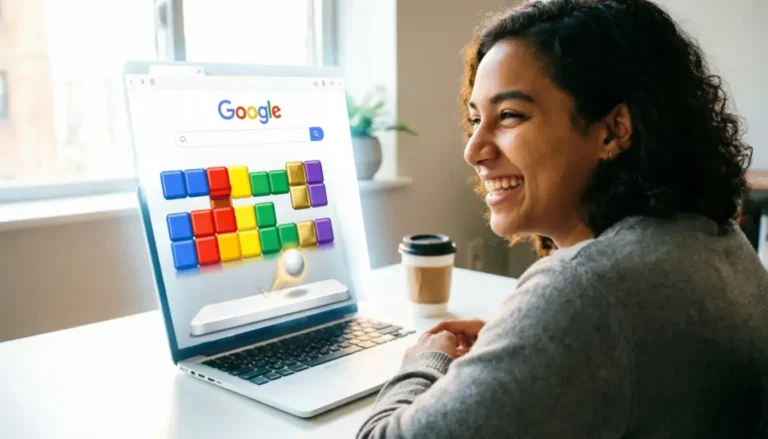
Google Block Breaker is a hidden gem in Google’s search engine. It’s a modern twist on classic brick-breaking games. You control a paddle at the bottom of the screen. Your goal? Smash colorful blocks by bouncing a ball upward.
The game appears when you search for specific terms on Google. It combines nostalgia with modern gameplay. You’ll find yourself hooked within minutes.
This guide reveals everything you need to know. You’ll discover how to access the game instantly and you’ll learn essential controls and winning strategies. You’ll understand how to pause, score points, and beat challenging levels.
Whether you’re a complete beginner or looking to improve your skills, this tutorial has you covered. Let’s dive into the exciting world of Google Block Breaker and turn you into a pro player.
What Is Google Block Breaker?
Google Block Breaker is an interactive Easter egg game. Google introduced it as a playable experience directly in search results. The game pays homage to classic Breakout and Arkanoid arcade games from the 1980s.
The concept is simple yet addictive. A ball bounces between your paddle and colorful blocks above. Each block you hit disappears and adds to your score. Miss the ball with your paddle, and you lose a life.
Google released this game as part of their tradition of hidden surprises. These Easter eggs make searching more fun and engaging. Block Breaker stands out because of its polished graphics and smooth gameplay.
Why Players Love This Game
The game requires zero downloads or installations. You play directly in your browser. It works on desktop computers, tablets, and smartphones.
The controls are incredibly intuitive. Move your mouse or finger to control the paddle. The physics feel natural and responsive. This makes gameplay satisfying from the first moment.
Plus, it’s completely free. No ads interrupt your gaming session. No sign-ups or accounts required. Just pure, instant entertainment whenever you need a quick break.
How to Access Google Block Breaker
Getting started with Google Block Breaker takes seconds. You need an internet connection and a web browser. Any modern browser works: Chrome, Firefox, Safari, or Edge.
1: Open your web browser.
2: Go to Google.com or use your browser’s search bar.
3: Type “Google Block Breaker” in the search box.
4: Press Enter or click Search.
5: Look for the game box in the search results.
6: Click the “Play” button to launch the game.
The game loads within seconds. You’ll see a colorful playing field appear on your screen. The paddle sits at the bottom, ready for action.
Alternative Search Terms
Several search phrases trigger the game:
- “Atari Breakout”
- “Play Block Breaker”
- “Google games block breaker”
These terms work across different regions and Google versions. The game displays the same regardless of which phrase you use.
Google Block Breaker Game Play Basics
Understanding core gameplay mechanics is crucial for success. The playing field contains several key elements. Let’s break down each component.
The Playing Field
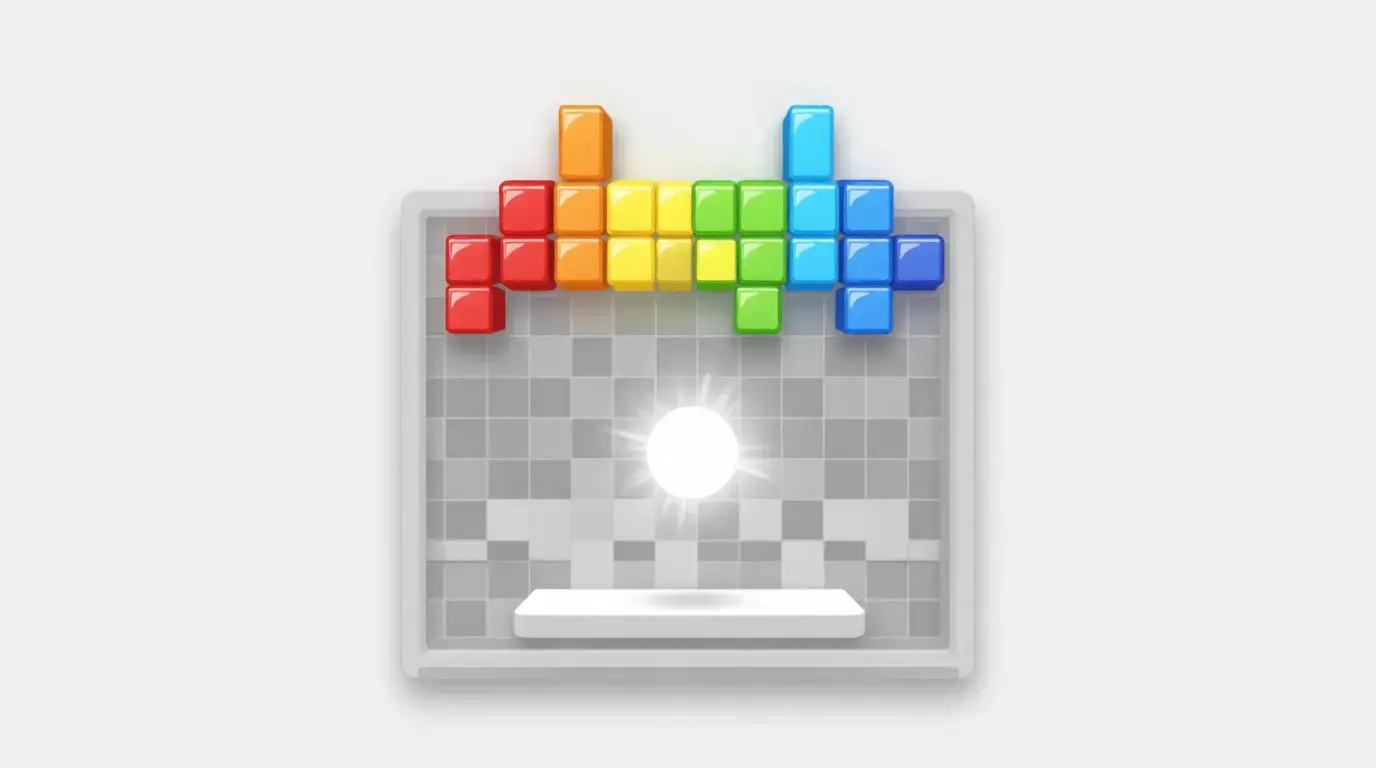
The screen shows a rectangular area. Colorful blocks fill the top portion in rows. Each row features different colors representing different point values.
Your paddle occupies the bottom of the screen. It moves horizontally left and right. The ball starts on your paddle before each round.
Walls border the left, right, and top edges. The ball bounces off these walls naturally. The bottom remains open—that’s where you’ll lose lives if the ball passes your paddle.
Controls Explained
Desktop players: Move your mouse left and right. The paddle follows your cursor position instantly. Click to launch the ball when it’s resting on your paddle.
Mobile players: Drag your finger across the screen. The paddle tracks your finger movement. Tap to release the ball at the start of each turn.
The controls feel responsive and smooth. There’s minimal lag between your input and paddle movement. This precision makes skilled plays possible.
Scoring System
Different colored blocks award different points:
- Red blocks: 7 points each
- Orange blocks: 5 points each
- Yellow blocks: 3 points each
- Green blocks: 2 points each
- Blue blocks: 1 point each
Breaking multiple blocks in quick succession creates combos. Combos multiply your base points. The faster you clear blocks, the higher your score climbs.
Google Block Breaker Tutorial: Winning Strategies
Mastering Google Block Breaker requires strategy beyond basic controls. These proven techniques elevate your gameplay significantly.
Perfect Your Paddle Positioning
Always keep your paddle centered when possible. This gives you maximum reaction time for left or right movements. Center positioning lets you reach balls heading either direction.
Watch the ball’s trajectory carefully. Predict where it will land before it arrives. Move your paddle to that spot early rather than chasing frantically.
Aim for Strategic Angles
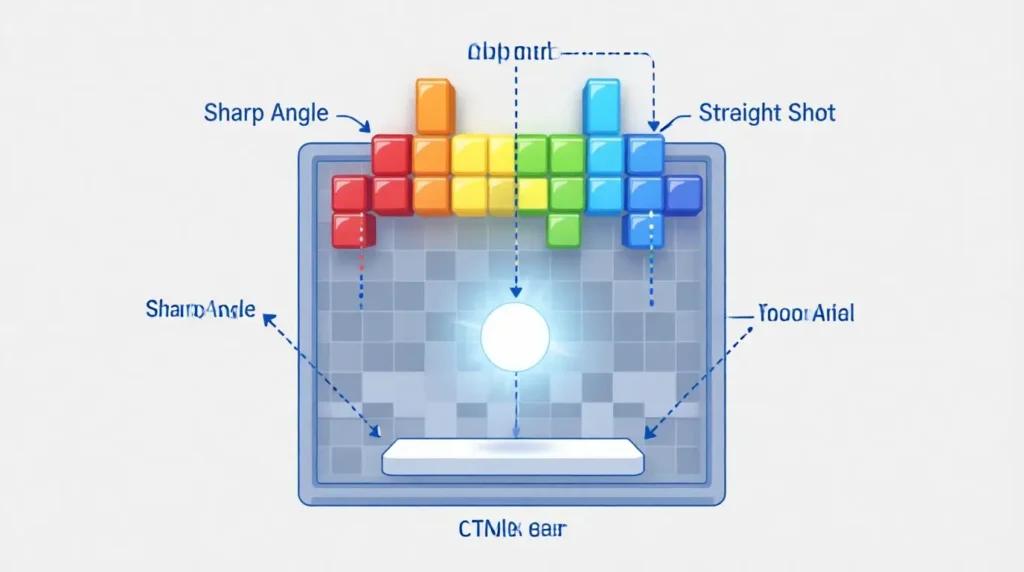
The ball’s rebound angle depends on paddle contact point. Hit the ball with the paddle’s edges for sharp angles. Strike it with the paddle’s center for straighter shots.
Sharp angles help you reach difficult blocks. They also create opportunities for multi-block hits. Practice controlling angles to maximize each shot’s effectiveness.
Target Top Rows First
Focus on breaking the highest rows of blocks early. This creates pathways for the ball to bounce in the upper area. Once the ball reaches the top, it bounces between the ceiling and remaining blocks.
This technique generates rapid block clearing. The ball destroys multiple blocks before returning to your paddle. You’ll score points faster with less paddle work.
Use Wall Bounces Wisely
Walls are your allies, not obstacles. Angle shots off walls to reach blocks you couldn’t hit directly. Wall bounces add unpredictability that works in your favor.
Combine wall bounces with paddle angle control. This creates complex trajectories that clear blocks efficiently. Master this technique for advanced gameplay.
How to Pause Google Block Breaker
Knowing how to pause saves your progress during interruptions. The pause feature works differently than traditional games.
On Desktop: Press the spacebar key. The game freezes immediately. Press spacebar again to resume playing.
On Mobile: Tap anywhere outside the game area. This pauses the action automatically. Tap the game screen to continue.
You can also pause by switching browser tabs. Open a new tab or window, and the game stops. Return to the game tab to restart.
Why Pausing Matters
Real life interrupts gaming sessions constantly. Phone calls, doorbells, or urgent tasks arise unexpectedly. Pausing preserves your current score and progress.
Without pausing properly, you’d lose lives while distracted. The ball would pass your paddle repeatedly. Use the pause function whenever needed without hesitation.
How to Beat Google Block Breaker
Many players wonder: can you beat Google Block Breaker completely? The answer involves understanding the game’s structure.
Google Block Breaker features multiple levels of increasing difficulty. Each level adds more blocks and faster ball speeds. The game continues until you run out of lives.
Level Progression
Level 1: Slow ball speed, simple block arrangements. Perfect for learning basic mechanics.
Level 2-5: Ball speed increases gradually. Block patterns become more complex. New colors appear more frequently.
Level 6+: Rapid ball movement. Dense block formations. Requires expert paddle control.
The game doesn’t have a definitive ending. It follows an endless arcade style. Your goal is achieving the highest possible score before losing all lives.
High Score Strategies
Focus on survival first, points second. Keeping the ball in play matters more than aggressive scoring. One missed ball costs you valuable lives.
Develop consistent paddle control. Smooth, controlled movements beat frantic scrambling. Practice makes your reactions automatic and reliable.
Learn block patterns for each level. Recognizing formations helps you plan attack strategies. You’ll know which blocks to target first.
Take calculated risks only when ahead. If you have extra lives, attempt difficult shots. When down to your last life, play conservatively.
Common Mistakes to Avoid
Understanding what NOT to do prevents frustrating losses. These mistakes plague beginners consistently.
Overreacting to Ball Movement
New players jerk their paddle frantically. They overcompensate when the ball changes direction. This creates missed opportunities and unnecessary errors.
Stay calm and smooth in your movements. Track the ball’s path mentally before moving. Small, precise adjustments work better than dramatic swings.
Ignoring Ball Speed Changes
The ball accelerates as you progress through levels. Players forget to adjust their timing accordingly. They react at their original speed and miss the faster ball.
Consciously increase your reaction speed each level. Stay alert to velocity changes. Adapt your positioning and timing continuously.
Neglecting Corner Blocks
Blocks in the corners seem unimportant. Players focus on center blocks instead. However, corner blocks create score opportunities and strategic advantages.
Clear corners early when possible. This prevents awkward angles later. Complete block clearance leads to bonus opportunities.
Playing Too Aggressively
Chasing every angle aggressively leads to mistakes. Players sacrifice positioning for risky shots. They miss easy balls while attempting difficult ones.
Balance aggression with smart positioning. Take guaranteed points over uncertain big scores. Consistency beats flashy plays in the long run.
Advanced Techniques for Expert Players
Ready to take your skills further? These advanced methods separate good players from great ones.
The Trap Shot Technique
Create a small gap in the top block rows. Aim the ball through this gap precisely. The ball gets “trapped” in the upper area, bouncing rapidly between blocks and ceiling.
This technique clears multiple blocks without paddle intervention. You score points while positioning your paddle optimally. Master trap shots for massive score multipliers.
Paddle Edge Manipulation
The paddle’s extreme edges create the sharpest rebound angles. Position these edges under the ball for maximum angle control. This precision shot reaches otherwise inaccessible blocks.
Practice edge hits during early levels. Build muscle memory for exact positioning. This skill becomes invaluable in challenging stages.
Rhythm-Based Gameplay
Develop a rhythm with ball bounces. Count the timing between paddle hits mentally. This rhythm helps you anticipate ball position without constant visual tracking.
Rhythm gameplay reduces eye strain during long sessions. It also improves reaction consistency. Your body learns the pattern naturally.
Google Block Breaker vs. Classic Breakout Games
| Feature | Google Block Breaker | Classic Breakout |
|---|---|---|
| Accessibility | Browser-based, instant play | Requires downloads or arcade machine |
| Graphics | Modern, colorful design | Retro pixel graphics |
| Controls | Mouse or touch-friendly | Often keyboard or joystick only |
| Cost | Completely free | May require purchase |
| Updates | Google maintains and updates | Fixed versions |
| Progression | Endless levels, increasing difficulty | Limited level count |
Google’s version modernizes the classic formula successfully. It keeps the addictive core gameplay while improving accessibility. The google block breaker experience delivers nostalgia with contemporary polish.
Troubleshooting Common Issues
Sometimes technical problems interrupt gameplay. These solutions resolve most issues quickly.
Game Won’t Load
Solution 1: Refresh your browser page. Press F5 or click the refresh button.
Solution 2: Clear your browser cache and cookies. This removes corrupted temporary files.
Solution 3: Try a different browser. Chrome typically works best for Google games.
Solution 4: Check your internet connection. Weak connections prevent game loading.
Laggy or Slow Gameplay
Solution 1: Close unnecessary browser tabs. Multiple tabs consume system resources.
Solution 2: Restart your browser completely. This clears memory leaks.
Solution 3: Update your browser to the latest version. Outdated browsers cause performance issues.
Solution 4: Disable browser extensions temporarily. Some extensions interfere with game performance.
Controls Not Responding
Solution 1: Click inside the game window first. The window must have focus to register inputs.
Solution 2: Check if another program is blocking input. Close background applications.
Solution 3: Try different input methods. Switch between mouse and keyboard controls.
Frequently Asked Questions
How do you play block breaker on Google?
Search “Google Block Breaker” on Google. Click the Play button that appears in search results. Use your mouse or finger to move the paddle left and right. Keep the ball bouncing to break colored blocks above. The game starts immediately without downloads or installations required.
Can you beat Google Block Breaker completely?
Google Block Breaker follows an endless arcade format. Levels continue indefinitely with increasing difficulty. There’s no final level or ending screen. Your objective is achieving the highest score possible before losing all lives. The challenge lies in surviving as long as you can.
How to pause Google Block Breaker during gameplay?
Press the spacebar on desktop computers to pause. Tap outside the game area on mobile devices. Switching browser tabs also pauses the game automatically. Resume by pressing spacebar again or tapping the game screen. Your progress and score remain saved while paused.
What’s the best strategy for high scores in Google Block Breaker?
Target the top rows of blocks first. This traps the ball in the upper area for rapid scoring. Keep your paddle centered for better reaction time. Use wall bounces to reach difficult blocks. Focus on survival rather than risky aggressive plays. Consistency outperforms flashy techniques.
How does the Google Block Breaker tutorial help beginners?
A built-in tutorial isn’t included with the game. However, the first level serves as natural practice. Slow ball speed and simple patterns teach basics organically. Spend time on early levels mastering paddle control. Understanding these fundamentals prepares you for harder challenges ahead.
Why won’t my Google Block Breaker game load properly?
Browser cache issues cause most loading problems. Clear your cache and refresh the page. Ensure you have a stable internet connection. Update your browser to the latest version. Try accessing the game from a different browser if problems persist. Chrome usually offers the best compatibility.
Conclusion
Learning how to play Google Block Breaker opens up hours of entertainment. You now understand the core mechanics and controls. You’ve discovered winning strategies and advanced techniques.
Remember these key takeaways: Keep your paddle centered for better coverage. Target top blocks first for efficient scoring. Use wall bounces strategically to reach difficult areas. Practice consistent, smooth movements over frantic reactions.
The game rewards patience and skill development. Don’t get discouraged by early losses. Each session improves your timing and precision naturally.
Start with early levels to build confidence. Progress gradually as your skills improve. Most importantly, enjoy the nostalgic fun this classic game delivers.
Ready to break some blocks? Search for Google Block Breaker now and put these strategies into action. Your high score awaits!